The Desktop AI War: Why Anthropic's Move to Windows Signals the End of the Web Chatbot Era
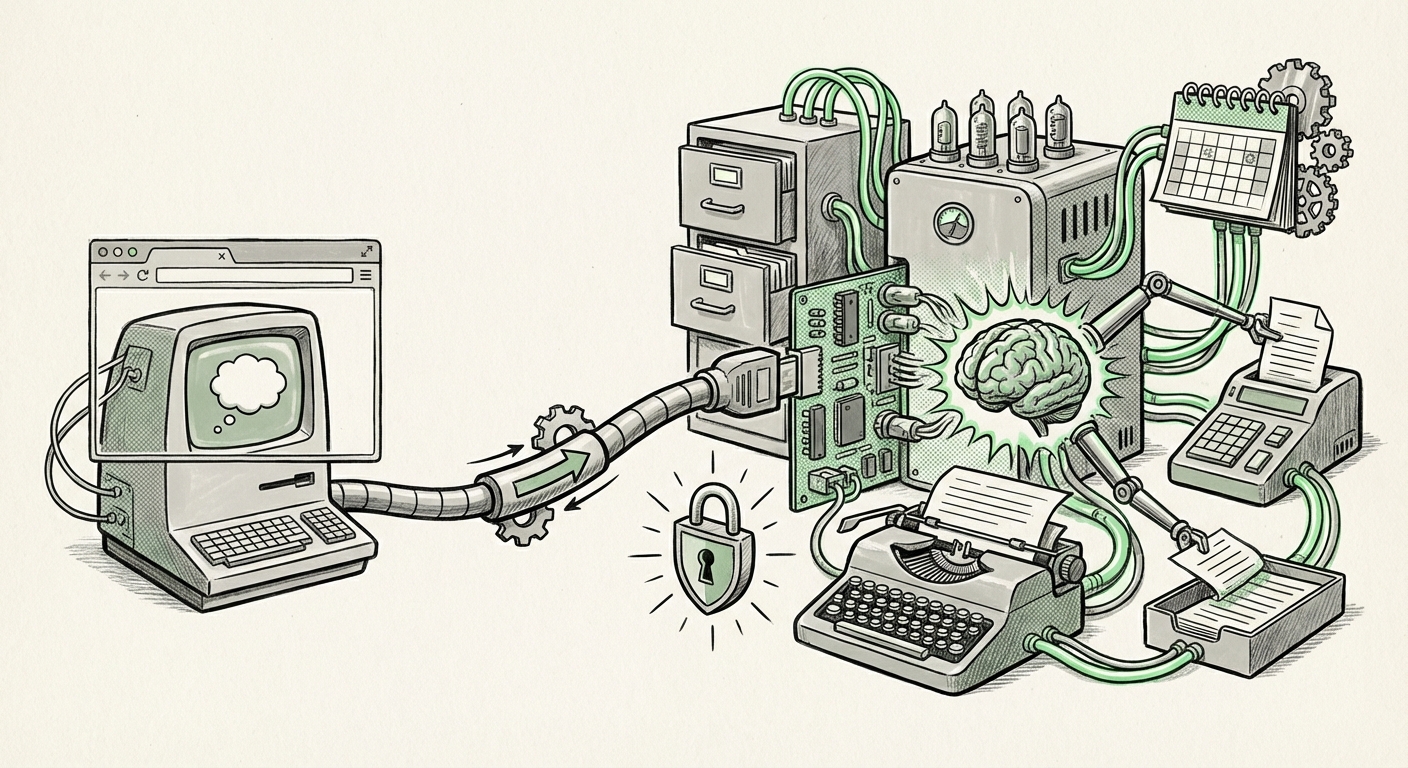
The recent launch of Anthropic’s Claude Cowork software directly onto the Windows desktop marks a pivotal moment in the evolution of Artificial Intelligence. For years, our interaction with powerful LLMs like Claude and GPT has been mediated through a web browser tab—a distinct application we must intentionally navigate to. The shift to native, always-on desktop integration signifies that AI is no longer a destination; it is becoming the operating system’s central nervous system.
When an AI agent like Claude Cowork achieves feature parity with its macOS counterpart on Windows, it suggests a clear strategic intent: to embed the agent deeply into the workflow of the knowledge worker, regardless of their preferred operating environment. This move elevates the stakes in the burgeoning "AI Agent Wars," moving the battleground from the cloud API to the local CPU.
To fully grasp the implications of this trend, we must analyze three critical vectors: the competitive response from platform owners, the severe security challenges inherent in deep integration, and the fundamental reshaping of daily productivity.
1. The Competitive Landscape: From Browser Tab to System Core
The introduction of a sophisticated third-party agent like Claude Cowork onto the Windows platform is a direct challenge—or perhaps a necessary pressure test—to Microsoft’s own AI strategy. Microsoft has heavily invested in its own native assistant, Microsoft Copilot, aiming to weave itself into every facet of the Windows 11 experience. For context, we must observe this competition closely:
- Platform Lock-in vs. Open Ecosystem: Microsoft’s roadmap suggests a deep integration of Copilot, positioning it as the default, trusted assistant provided by the OS creator. Anthropic’s success implies that users are not satisfied with a single vendor controlling their AI experience. They demand choice, potentially favoring Anthropic's reasoning capabilities or specific safety profiles over Microsoft’s offering.
- The Need for System Hooks: To be a true "agent" and not just a chatbot, Cowork needs deep system access—to summarize meeting notes taken in one app, draft an email based on data from another, and manage files across the desktop. The ability of a third party to secure these hooks signals whether Windows remains an open platform for AI innovation or risks becoming a walled garden. Analysts closely track Microsoft’s public roadmap regarding Copilot’s system hooks to anticipate how much external access will be permitted or encouraged.
This dynamic is creating fragmentation. Instead of one centralized AI helper, we are likely heading toward a suite of specialized agents running concurrently, each vying for the attention and permissions of the user. This parallels the early days of the smartphone, where users installed apps for specific functions rather than relying on one monolithic operating system utility.
2. The Security and Governance Abyss: Native Access Means Native Risk
The most sobering aspect of this desktop migration is the explicit mention of security risks. When an AI agent moves from a secure, walled-off web interface to a native application running *on* your desktop, its potential access to sensitive data expands exponentially. This isn't just about an LLM answering questions; it’s about an LLM with permission to read, write, and organize your intellectual property.
For Enterprise IT Managers and CISOs, this is a governance nightmare. The query surrounding AI agent local data processing security risks highlights the core issue. Consider the implications:
- Data Exfiltration Potential: If Claude Cowork can "see" local files, proprietary code, financial spreadsheets, or customer PII, the risk of that data being inadvertently or maliciously sent to Anthropic’s servers (or leaked via a vulnerability in the agent software itself) skyrockets. Even with strong enterprise agreements, the surface area for data leakage has widened dramatically.
- Contextual Overload: A key feature of these agents is their ability to ingest massive amounts of contextual data (your last 10 documents, your calendar for the week). If this context is processed locally, it requires robust on-device security. If it’s processed server-side, it demands ironclad, zero-trust data handling policies from the AI provider. The "same security risks" faced on macOS now apply to the vast ecosystem of Windows users, demanding immediate policy updates.
- The Need for Auditing: Businesses must now develop frameworks to audit not just *what* their employees ask the AI, but *what* the AI is allowed to see on their machines in the background. This requires transparency from AI developers about their data pipelines, especially for tasks that run automatically.
The future of enterprise AI adoption hinges less on model performance and more on demonstrable, auditable security protocols for these deeply integrated desktop environments.
3. The Productivity Shift: From Chatbot Prompter to Workflow Orchestrator
The transition from a chatbot to an "agent" is qualitative, not just quantitative. A chatbot requires a user to initiate, prompt, and interpret the output. An agent, running natively on the desktop, is expected to act autonomously based on context.
The comparison between specialized agents and built-in Copilots is essential for understanding where real value lies. If an agent simply repackages the capabilities of a web API, the adoption will be slow. True gains come from orchestration capabilities. For business process analysts, this means looking beyond simple summarization:
- Orchestration Over Querying: A true agent should be able to identify a complex, multi-step task (e.g., "Prepare the Q3 budget review presentation based on the latest ERP export, flagging variance over 10% in R&D") and execute steps across different programs—opening the ERP export file, running the analysis script, inserting charts into PowerPoint, and summarizing findings in a draft Word document.
- Proactive Assistance: The goal is an AI that works ahead of you. For example, detecting that you are drafting a document on a new client, automatically pulling up the last communication thread, the contract terms, and relevant background research you saved last month—without being explicitly asked. This level of proactive context is only possible with deep OS integration.
If Claude Cowork can genuinely deliver on this promise of multi-application workflow management within the Windows environment, it offers productivity gains that move beyond incremental improvements, potentially unlocking hours of administrative overhead per knowledge worker per week.
Actionable Insights for Navigating the Native AI Future
The arrival of powerful, third-party agents on Windows demands immediate tactical and strategic responses from both consumers and enterprises.
For Business Leaders and IT Departments:
- Establish a Desktop AI Governance Policy Now: Do not wait for the first breach. Define precisely which third-party agents are permitted on corporate devices, under what data segregation rules, and mandate the use of locally-processed models where corporate IP is involved. This requires immediate engagement with security teams.
- Pilot Specialized vs. Platform AI: Begin controlled pilots comparing the performance of native platform assistants (like Microsoft Copilot) for simple tasks versus specialized third-party agents (like Claude Cowork) for complex, multi-step workflow orchestration. Determine where specialization wins and where native integration offers superior security or cohesion.
- Demand Provider Transparency: When evaluating new desktop AI tools, demand clear documentation on data residency, what data is used for fine-tuning, and how the application leverages its OS permissions. The ability of Anthropic to execute this launch suggests other providers will follow suit, making this due diligence non-negotiable.
For Knowledge Workers and Developers:
- Master Context Management: Understand that your AI's effectiveness now depends on how well you manage the data it can access locally. Keep sensitive projects clearly segmented into protected directories that IT has deemed safe for agent processing.
- Embrace Agent Chaining: Learn to structure complex requests that leverage the agent’s ability to move between applications. Instead of asking for a summary, ask for a summary *and* the creation of a follow-up task list assigned to a specific colleague in your project management tool.
- Monitor Platform Openness: Developers should watch closely to see if Microsoft continues to provide robust APIs for third parties to integrate deeply, or if future versions of Windows begin restricting access to favor their native Copilot, which would fundamentally alter the competitive battlefield.
Conclusion: The Desktop is the New Frontier
Anthropic’s strategic deployment of Claude Cowork on Windows is more than just a product update; it is a declarative statement about the future interaction model between humans and software. The web browser, once the universal window to the digital world, is receding as the primary interface for AI. The modern battleground is the desktop itself—the physical space where knowledge workers create value.
This immersion brings unmatched power, promising to automate the tedious glue-work that slows down innovation. However, this power is directly proportional to the risk. The success of these native agents will ultimately be judged not just by their intelligence, but by the enterprise governance frameworks that evolve to contain their access. The AI future is native, pervasive, and requires immediate, calculated attention to security.