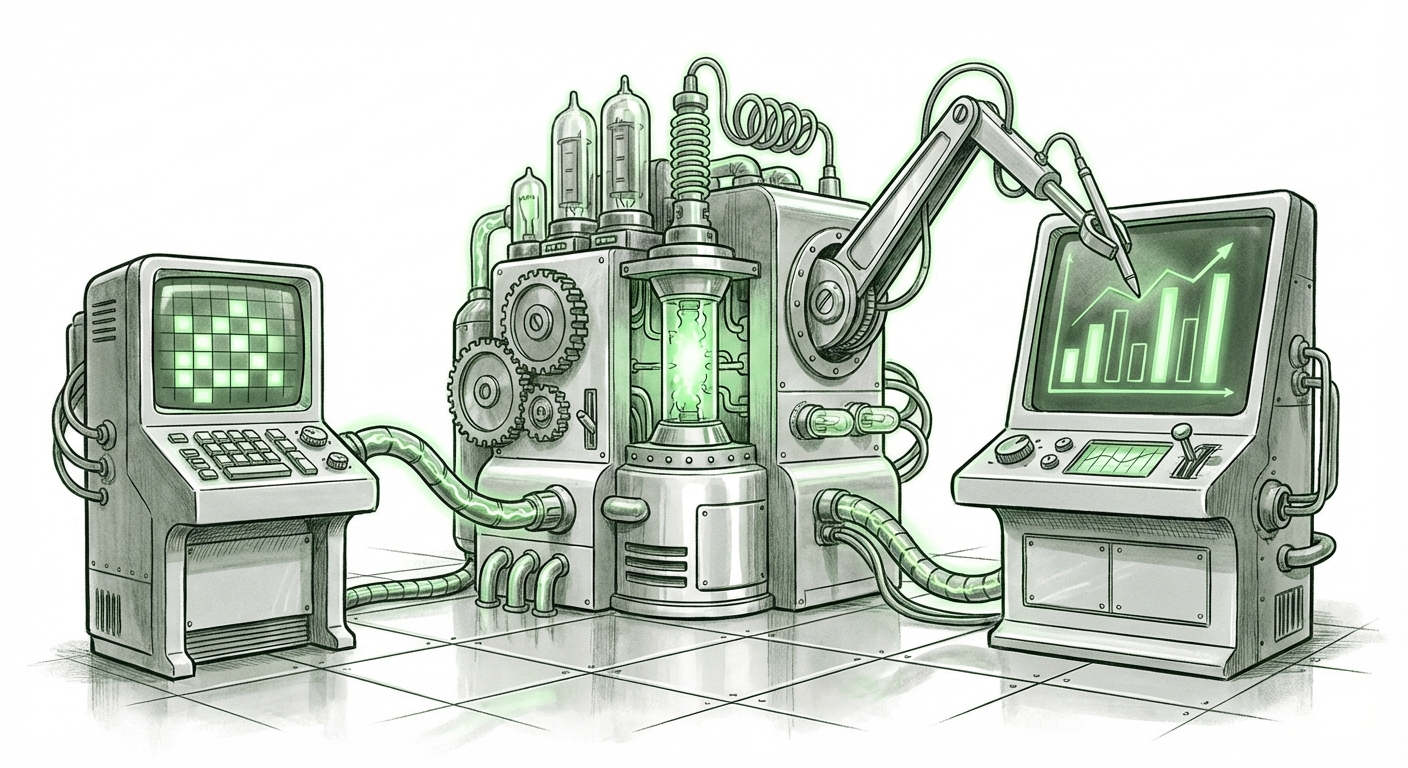
The End of Siloed AI: How Shared Context in Claude & Copilot Redefines Enterprise Workflow
The recent announcement that Anthropic’s Claude add-ins for Excel and PowerPoint can now share context across those applications is far more than a minor feature update. It represents a critical inflection point in the enterprise adoption of Generative AI. For too long, AI interaction felt like talking to a disconnected expert who forgot everything you just said the moment you switched tabs. Now, the technology is maturing into something genuinely integrated: workflow-aware agents.
As an AI technology analyst, I see this development not just as competition between Anthropic and Microsoft, but as validation of the direction all enterprise AI must take. The future of productivity isn't a better chatbot; it’s an AI assistant that understands the relationship between your data, your analysis, and your presentation—all simultaneously.
The Leap from Chatbot to Contextual Agent
Imagine you are an analyst. You spend hours cleaning sales figures in Excel, building pivot tables to find an anomaly, and then manually explaining those findings in a PowerPoint deck for your leadership team. The friction point is the transfer of knowledge between these tools. Claude’s ability to carry context—meaning the AI remembers what you were looking at in the spreadsheet when you jump to the slides—breaks this friction.
This convergence signals the move from an AI that performs isolated tasks (like summarizing text) to one that orchestrates complex processes. We are moving away from transactional AI and toward relational AI.
Understanding the Competitive Battlefield: Microsoft 365 Copilot
To fully appreciate Claude's advancement, we must look at its primary competitor in the enterprise productivity arena: Microsoft 365 Copilot. The market expects seamless cross-application functionality. Therefore, searching for corroborating evidence around Microsoft’s own capabilities is essential.
If Microsoft Copilot is already demonstrating the ability to “summarize a Teams meeting transcript and automatically create corresponding slide notes in PowerPoint, referencing data points from a linked Excel sheet,” it establishes a new baseline expectation. [Searching for competitive benchmarks, such as those found by querying "Microsoft Copilot context sharing across Word Excel PowerPoint", helps us understand the maturity level of the market leader.] This confirms that shared context is no longer a luxury; it is the expected standard for next-generation office suites. Anthropic’s move ensures they remain competitive in delivering this crucial, sticky feature to large organizational clients.
The Technical Hurdle: Achieving Context Persistence
For the technical audience—the developers and architects—the real marvel here isn't the user interface; it’s the underlying mechanism ensuring that context *persists* securely and accurately across application boundaries. This is challenging because Excel and PowerPoint files exist in different formats, and the AI needs a unified memory space.
Context persistence—the AI’s ability to maintain a long-term memory of a task—is notoriously difficult to implement securely in enterprise settings:
- Session Management: How does the AI know which session belongs to which user and which set of documents?
- Security and Permissions: If the AI references sensitive data from an Excel sheet in a shared PowerPoint, have all viewers of the PowerPoint been authorized to see the source data?
- Latency: Retrieving and re-indexing massive amounts of data from different applications for every prompt is slow.
The solution often involves sophisticated architectural layers, typically relying on Retrieval-Augmented Generation (RAG) combined with vector databases. These systems translate the content of the documents (the data in Excel, the structure in PowerPoint) into numerical embeddings that the AI can rapidly search and recall. [Articles focusing on "LLM context persistence in enterprise workflows" often detail these sophisticated RAG implementations.] Claude’s success here indicates a significant investment in making its memory scaffolding robust enough for mission-critical business applications.
Future Implications: The Revolution in Knowledge Management (KM)
The most profound impact of this cross-app continuity lies in how organizations manage and utilize institutional knowledge. Today, knowledge is trapped in silos:
- Data Silos: Raw figures in databases or spreadsheets.
- Narrative Silos: Reports, emails, and presentations explaining the data.
- Meeting Silos: Decisions made in recorded calls or meeting notes.
An AI that links Excel analysis directly to PowerPoint narrative fundamentally rewrites the Knowledge Management playbook. If the AI is asked, "Why did Q3 sales targets change in this presentation?" it won't just summarize the slide; it will trace the change back through the underlying Excel model, flag any data inconsistencies, and suggest new visualizations based on current data. This closes the loop on organizational learning.
This capability directly impacts the efficiency of knowledge workers. [Researching the "Generative AI impact on spreadsheet analysis workflow automation" reveals that analysts spend nearly 40% of their time preparing and transferring data rather than analyzing it.] By automating the narrative creation and data linkage, we shift the analyst’s role from *data mover* to *strategic interpreter*.
Practical Implications: What Businesses Must Do Now
This trend is moving too fast for businesses to observe passively. The integration of cross-context AI demands proactive adaptation across strategy, IT, and training.
1. Audit Your Data Architecture for AI Readiness
Your LLM agent is only as smart as the data it can access and correlate. If your core data lives in proprietary, non-integrated legacy systems, even the best add-ins will struggle. Businesses need to standardize and centralize their most critical data structures (like financial reports or product specifications) to ensure maximum context sharing potential across tools like Claude or Copilot.
2. Redefine "Productivity" Metrics
If an AI handles the manual bridging between your analysis and your presentation, how do you measure human output? The focus must shift from the volume of reports created to the quality and strategic impact of the insights derived. Actionable insight: Start measuring time-to-decision rather than time-to-report.
3. Prioritize Security and Governance for Agent Memory
Shared context means shared risk. If the AI has access to sensitive datasets in Excel, robust governance must be in place to prevent that context from leaking into general-purpose public models or unsecured documents. IT departments must establish clear policies on what level of data sensitivity the cross-app add-ins are allowed to process. Security architecture is now inseparable from AI deployment strategy.
4. Invest in Prompt Engineering for Workflow Chains
Users need to learn how to ask multi-step, contextual prompts. Instead of separate requests ("Summarize this data," then "Make a slide"), the new skill is chaining the request: "Based on the variance analysis performed in the linked Excel file, create a five-slide summary for the Executive Committee, highlighting variances over 15% and suggesting three mitigating actions." This requires training employees to think in terms of integrated workflows.
The Road Ahead: Agents Evolve into Digital Colleagues
The feature enhancements we see in Claude’s productivity add-ins—and the parallel developments in the Microsoft ecosystem—are the visible tip of a massive technological iceberg. We are witnessing the birth of the enterprise AI agent that operates not just *on* data, but *across* the interconnected fabric of organizational work.
This evolution removes the tedious, context-switching labor that has plagued knowledge work for decades. It elevates the role of the human worker from a data manager to a strategic decision-maker, equipped with an AI partner that understands the entire chain of thought, from raw cell value to boardroom slide. This is the new frontier: AI that doesn't just answer questions, but actively manages the flow of information required to answer them.