Claude Just Plugged Into Your Creative Tools: What It Means When AI Sits Inside the Apps Where You Make Things
For the past few years, using an AI assistant has meant one thing: a chat box. You type a request, it types back an answer, and then you copy that answer into the app where you actually do your work. It was useful, but clumsy. You were the glue holding two worlds together.
That era just ended. Claude has plugged directly into creative tools. Instead of talking to an assistant in a separate window and then pasting results into a design canvas, a video timeline, or an audio session, the assistant now lives where the work happens. It can see the project. It can act on it. The middleman, you, doing copy-and-paste, is gone.
This sounds like a small product update. It is not. It is the moment AI stops being a clever sidekick and becomes part of the production line for creative work. Here is what changed, why it matters, and how to prepare.
Three Stages of AI, and Why We Just Entered the Third
To understand the shift, look at how people have used AI assistants so far.
Stage One: The Talking Helper
The assistant had no idea what you were working on. You had to explain everything from scratch, your brand, your audience, your file format, your goal. Every conversation started cold.
Stage Two: The Helper With Context
You could hand it documents or images. It could read what you gave it and respond with something more specific. This was a big step. But it still could not touch your work. It could describe a change; it could not make one.
Stage Three: The Helper Inside the Tool
This is where we are now. Claude connects into the creative applications themselves. That means it can open a project, understand its structure, and take real actions inside it. It is no longer a consultant shouting advice through a door. It is in the room, with its hands on the work.
The difference is not about the AI getting smarter. It is about the AI getting access. Access to the files, the layers, the assets, the settings, and the buttons. That access is what turns a clever answer into finished output.
Why Creative Tools Were the Hard Part
It is one thing to wire an assistant into a spreadsheet. Creative software is a much rougher environment, and that is exactly why this development is a signal.
Creative projects are heavy and messy. A single file can hold hundreds of layers, dozens of versions, linked assets, and settings built up over years. Helping with that requires understanding structure, not just text.
Creative work also has no single right answer. A spreadsheet formula is correct or it is not. A poster design is a matter of taste. An assistant that can generate twenty variations is only useful if a human decides which one is good.
And creative tools carry deep muscle memory. Professionals have spent careers learning them. Any AI that gets in the way of that will be rejected fast. That is why the bar here is high, and why crossing it matters.
What Actually Changes Day to Day
Strip away the hype and three practical things change.
Real context replaces description. Instead of explaining your project to an assistant, the assistant already sees it. That removes a huge amount of setup time and a huge amount of error.
Actions replace suggestions. The assistant can make edits, restructure layouts, generate variations, resize assets, and run repetitive tasks in bulk. You review and approve rather than build from zero.
Chains replace single steps. Because the assistant can work inside multiple connected tools, it can carry a task through several stages, draft, adapt, export, adjust, without you restarting the conversation each time.
What This Means for Businesses
For companies that produce creative work, marketing teams, media studios, agencies, product design groups, the effects will show up in four places.
1. Timelines Compress
The slowest part of creative work is often not the idea. It is the execution of versions: resizing, reformatting, adapting one concept across channels. That is exactly the kind of work an embedded assistant eats first. Expect turnaround times to shrink before headcount does.
2. The Bottleneck Moves to Taste
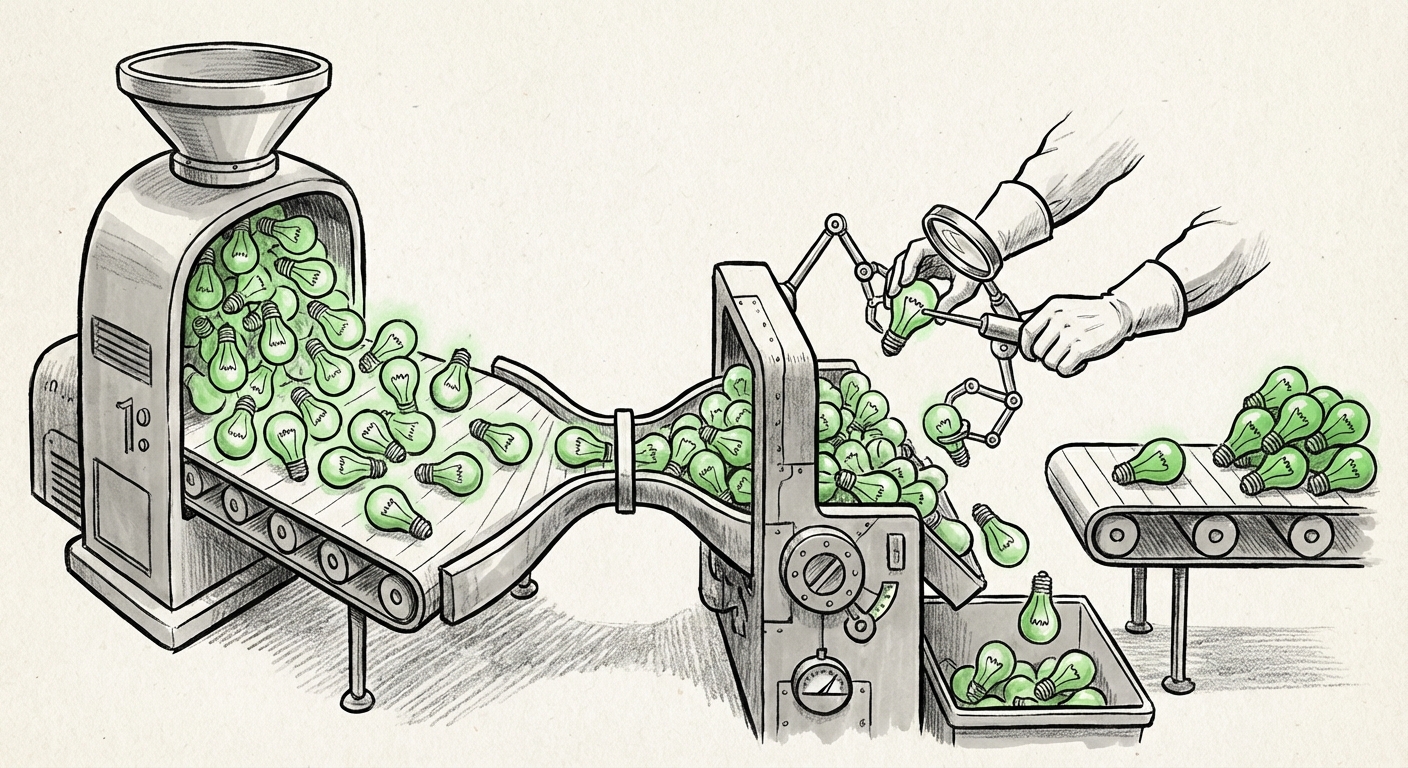
When producing options becomes cheap, the scarce resource becomes judgment. The team that wins is not the one that can generate the most variations. It is the one that can pick the right one, fast. Hiring and training should shift accordingly, toward taste, strategy, and clear brand standards.
3. Tool Choices Become Strategic
If your creative software has a capable assistant built in and your competitor's does not, the gap shows up in output volume and speed. Procurement decisions that used to be about features and price will increasingly be about how well an assistant works inside the tool.
4. Review and Approval Need New Rules
AI-generated work inside a brand's own tools still needs a human sign-off. Companies should decide now who checks AI-assisted output, what gets logged, and what is allowed to ship without review. Writing those rules before the volume ramps up is far easier than retrofitting them later.
The Risks Nobody Should Skip
This is not a free lunch, and the downsides are real.
- Sameness. When everyone uses the same assistants trained on similar material, output starts to look alike. Distinctive brands will need to protect their visual voice on purpose.
- Rights and ownership. It is still unclear in many places who owns AI-assisted output and how it interacts with licensing. Legal teams should be involved early, not after a launch.
- Access and permissions. An assistant with write access to your creative files is a serious security question. It needs clear limits on what it can open, change, and share.
- Skill erosion. If junior creators never learn the fundamentals because the assistant handles them, the next generation of senior talent gets thinner. Deliberate practice still matters.
- False confidence. Fast output can look finished before it is. Reviews must stay rigorous even when the work arrives quickly.
What Changes for Individual Creators
The role shifts, but it does not disappear. Creators become directors more than makers. You set the vision, define the constraints, review the options, and make the call. The people who thrive will be the ones who can describe what they want precisely and judge quality quickly.
There is also an opportunity here. Tasks that used to be too small or too tedious to bother with, alternate crops, dozens of localized versions, quick concept sketches, become practical. Creators can explore more ideas in the same amount of time. That is a genuine creative gain, not just a speed gain.
What to Watch Next
Three things will tell us how fast this spreads.
How many tools plug in. One integration is a headline. Dozens is an industry standard. Watch for assistants appearing across design, video, audio, and 3D workflows.
How far the chains go. The real prize is a workflow that starts with a brief and ends with finished, exported assets across several apps. When that works reliably, the economics of creative production shift for good.
How pricing changes. If assistants are bundled into tools people already pay for, adoption will be quick and quiet. If they are priced as separate seats, adoption will be slower and more deliberate.
Actionable Steps You Can Take Now
- Audit your repetitive creative work. List the tasks people do over and over. Those are the first candidates for an embedded assistant.
- Write a one-page AI use policy. Cover who reviews output, what data can be shared, and what must be disclosed.
- Train for judgment, not just prompting. The most valuable skill is now knowing which output is good and why.
- Protect your brand voice. Document your style rules clearly so AI-assisted work still looks like you.
- Pilot with one team. Pick a small group, measure turnaround time before and after, and expand based on results rather than enthusiasm.
- Check your contracts. Review what your software vendors do with your content and what rights you keep over generated work.
The Bigger Picture
The chat box was never the destination. It was a temporary interface while the technology caught up with the work. What Claude plugging into creative tools shows us is where this is heading: AI that is not a destination you visit, but a layer that runs underneath everything you already use.
The winners in this next phase will not be the companies with the flashiest model. They will be the ones that wire AI into the places where work actually gets made, and that build the human judgment, rules, and taste to direct it well. The tools just changed. The question now is who is ready to use them.