llama.cpp Model Management: The Quiet Upgrade That Makes Running AI on Your Own Machine Feel Normal
For years, running a large language model on your own laptop has been a bit like restoring an old car. It works, and the people who do it love it, but there are a hundred small steps before you hear the engine turn over. You hunt for the right model file. You check which compressed format fits your memory. You download gigabytes by hand. You keep a messy folder of files whose names tell you almost nothing. And when a new model lands, you start the whole ritual again.
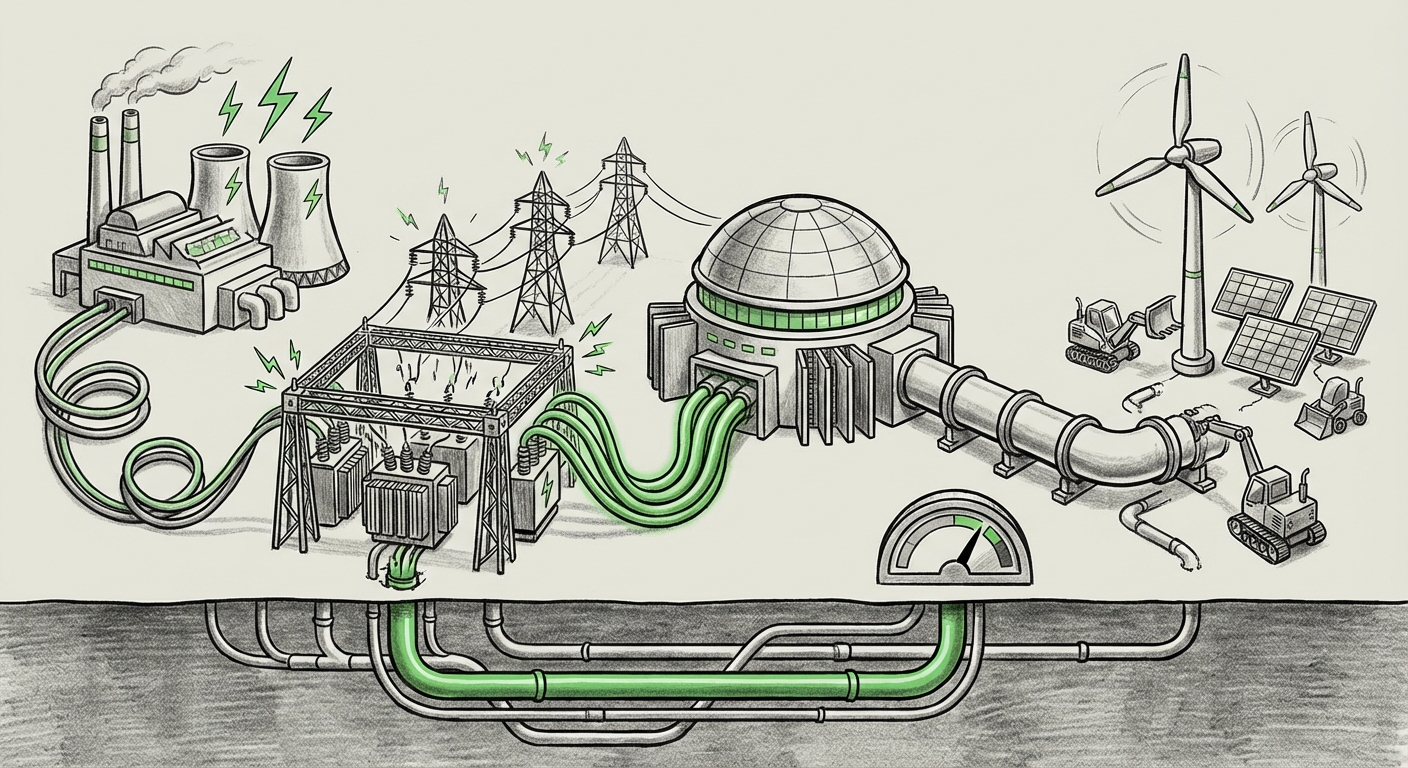
The newest addition to llama.cpp, Model Management, takes direct aim at that friction. It is not a flashy announcement. It is a plumbing upgrade. But plumbing is exactly what turns a niche tool for enthusiasts into infrastructure the rest of the world can build on. And that is the real story here: the moment local AI stops being a hobby and starts behaving like a product.
What Model Management Actually Means
At its core, model management is about answering four boring questions very well:
- What do I have? A clear view of which models are already sitting on the machine, without digging through folders.
- How do I get more? A built-in path to find and pull down new models instead of relying on manual downloads from scattered locations.
- Where does it live? A predictable place on disk where files are stored, so different tools and scripts can find them without guesswork.
- How do I switch? A simple way to point the engine at a different model for a different job, without rewriting your setup each time.
None of these are research breakthroughs. That is the point. The hardest problems in AI are no longer only about making models smarter. They are increasingly about making models usable, and usability is where local inference has historically lagged behind cloud services.
The Cloud Set a Very High Bar
When you use a hosted AI service, the management layer is invisible. You pick a model from a menu, and it works. You never think about file sizes, memory limits, or which version you are running. The provider handles all of it.
Local runtimes never had that luxury. Every choice was pushed onto the user. Model management in llama.cpp narrows that gap by taking the ops work off the user's plate and putting it inside the engine itself. For a technology whose entire selling point is independence from the cloud, that is a meaningful step: it lets local AI compete on convenience, not just on principle.
Why Model Management Is a Bigger Deal Than It Sounds
The immediate benefit is obvious, fewer steps, less confusion, faster setup. But the downstream effects are larger than a tidier folder structure. Here is what a real management layer unlocks.
1. Reproducibility Becomes Possible
In any serious deployment, you need to know exactly what is running. If two people on a team claim they are testing "the same model," they should actually be testing the same file. A managed store with consistent naming and location makes that possible. It also makes it far easier to pin a version and keep it stable while the rest of the system changes around it.
That sounds like a small thing until you have spent an afternoon chasing a bug that turned out to be a different quantization of the same model on a colleague's machine.
2. Onboarding Gets Dramatically Shorter
The classic first experience with local AI is a wall of documentation and a lot of trial and error. Every step where a new user has to make a decision they do not understand is a step where they give up. Built-in model management collapses that learning curve. A new developer can go from "I installed it" to "I am generating text" in far fewer moves.
For businesses, this is not a minor convenience. It directly affects how quickly a prototype becomes a pilot, and how quickly a pilot becomes something real.
3. Automation and Pipelines Get Easier
Scripts and services need predictable inputs. When models live in a standard, discoverable location, your deployment script stops being a pile of hardcoded paths. CI pipelines can prepare the right model before tests run. Container images can be built around a known model directory. Internal tools can list what is available instead of assuming.
This is the difference between a tool you use interactively and a tool you can build a product on.
4. The Edge and the Desk Start to Converge
Local inference already runs across laptops, desktops, small servers, and a growing range of edge devices. Every one of those environments has different memory and storage constraints, which means different model sizes and compression levels. A management layer gives you a consistent way to present those options, rather than each deployment inventing its own scheme.
When the handling of models is standardized, the same operational habits travel from a developer's laptop to a device in the field. That portability is what makes local AI practical at scale.
The Bigger Trend: AI Is Splitting Into Two Layers
It is tempting to see local runtimes and cloud models as rivals. The more useful framing is that AI is separating into two layers with different jobs.
- The frontier layer handles the hardest reasoning, the newest capabilities, and anything that needs enormous compute. It lives in data centers and is accessed over the network.
- The local layer handles high-volume, low-drama work: summarizing, classifying, extracting, drafting, tagging, routing, and anything involving data that should not leave the building.
Model management is what makes the local layer operational rather than experimental. Once you can reliably see, fetch, store, and swap models, you can actually plan around them. You can budget for hardware instead of guessing. You can say "this workload runs on-device" and mean it.
Privacy and Cost Both Point the Same Way
Two forces are pushing work toward the local layer. The first is privacy. Many organizations have data they simply cannot send to a third party, customer records, medical details, legal documents, internal source code. The second is cost. Once you are processing large volumes of text, paying per token for every routine task gets expensive fast. A fixed-cost machine that runs a smaller model can be dramatically cheaper for those jobs.
Neither force requires the local model to be as smart as the biggest cloud model. It just has to be good enough for the task, and it has to be dependable to run. That second part is exactly what model management improves.
What This Means for Teams Building With AI
For engineering leaders, the practical advice is straightforward.
Treat Models Like Dependencies
Models are inputs to your software, the same way libraries are. They should be versioned, recorded, and retrievable. If your team cannot answer "which model is in production and where did we get it," that is a gap worth closing now, before it becomes an incident.
Design for Swapping
Good architecture assumes the model will change. Build the interface so the model sits behind a boundary. Then a better, smaller, or faster option can drop in without a rewrite. Management tooling makes that swap a configuration change rather than a project.
Match the Model to the Job
Not every task needs the biggest thing available. Classification, extraction, and formatting are often handled well by modest models running locally at low cost. Save the heavy lifting for where it genuinely improves the result. This tiered approach is becoming the default pattern for teams that care about both quality and unit economics.
Plan Your Hardware Around Your Models
Local AI turns a variable cost into a capital cost. That is an advantage, but only if you size things correctly. Knowing your model inventory, and how large the files and their memory footprints are, makes hardware planning a real exercise instead of a guess.
The Honest Limitations
It would be overselling this to call it a turning point on its own. Model management does not make a small model smarter, and it does not make a laptop into a data center. Local inference still has real constraints: memory is finite, throughput is lower than hosted endpoints, and the gap between local and frontier capability remains meaningful for hard tasks.
There are also open questions worth watching. How will model provenance be handled as libraries grow? How do teams handle storage when several compressed versions of the same model accumulate? And how much of this should be managed by the runtime versus left to external tooling? These are the questions that will define the next few releases, and they matter more than any single feature.
Still, the direction is clear. The competitive edge in local AI is shifting from raw speed on benchmarks to the unglamorous quality-of-life work that makes a tool trustworthy.
What Comes Next
Once a runtime can manage its own models, the natural next steps write themselves. Expect more attention to discovery, helping users find the right model for a given machine and task. Expect better handling of storage and cleanup as libraries grow. Expect tighter integration with the tools developers already use to package and deploy software.
The deeper shift is cultural. When running a model locally feels as routine as installing a package, the default assumption changes. Teams stop asking "can we run this ourselves?" and start asking "which parts should we run ourselves?" That is a much healthier question, and it is the one that will shape how AI actually gets deployed across businesses over the next few years.
The Bottom Line
Model management in llama.cpp is a small feature with a large implication: local AI is growing up. It is moving from a clever experiment that rewards patience to a dependable component that rewards planning. The models themselves are not getting bigger here, the ecosystem around them is getting more organized. And organized ecosystems are what turn promising technology into everyday infrastructure.
For builders, the takeaway is to start treating local models as first-class parts of your stack. For everyone else, the takeaway is simpler: the option to run capable AI on hardware you control is becoming less of a project and more of a checkbox. That is how a niche tool quietly becomes the foundation everything else sits on.