OpenAI Appshots: Every Mac Window Becomes Context for Codex
When you are building software, context is everything. A developer does not just write code in a vacuum. They look at a design mockup, check a database schema, read a specification document, or review a bug report, all at the same time. Up until now, AI coding assistants like OpenAI Codex could only see what you explicitly typed or pasted into them. That has just changed in a dramatic way. OpenAI's new feature, called Appshots, lets Codex see any Mac window on your screen and turn that visual information into usable context for writing code. This is a major step forward for how humans and AI work together.
What Exactly Are Appshots?
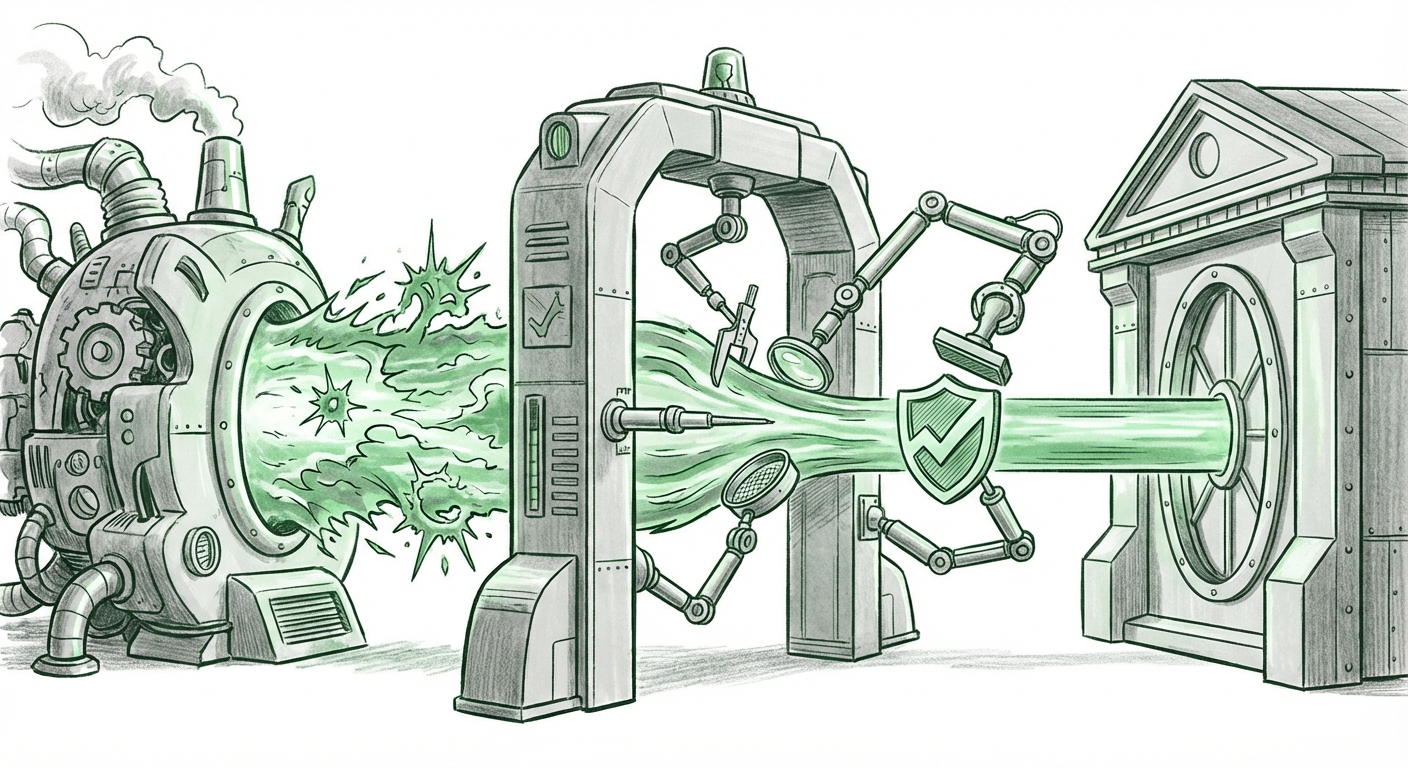
Appshots, as described in the source material, is a feature that lets you turn any Mac window into context for Codex. Think of it as giving Codex the ability to look over your shoulder at everything you are doing on your computer. Instead of describing a UI layout in words, you can just show it. Instead of copying error messages, you can let it see the error window itself. Instead of explaining a complex chart, you can point Codex at it. The feature works by grabbing a snapshot of whatever window you have open and feeding that visual data directly into the AI's reasoning process. The result is that Codex can now understand the full picture of what you are working on, not just the isolated text you feed it.
Why This Changes Everything for AI-Assisted Development
For years, the biggest limitation of AI programming tools was the "context window" problem. You could only include so much text in a prompt. If you wanted the AI to understand a large codebase, you had to manually pick out relevant snippets. With Appshots, that limitation dissolves in a very practical way. The AI can now see the entire visual state of an application, the user interface, the data displayed, the error messages, the terminal output, all at once. This means the AI can generate code that actually fits the real-world situation you are in.
Consider a typical scenario: you are debugging a web application that shows a weird table layout on screen. Before, you would type "The table columns are misaligned" and hope the AI understood. Now, you take an Appshot of that window, and Codex sees the exact misalignment. It can analyze the pixel positions, the CSS classes applied, and the underlying HTML structure (if the window contains developer tools). It then writes the exact fix needed. The feedback loop between seeing and coding becomes nearly instant.
How Appshots Work Under the Hood
The technical magic behind Appshots lies in how Codex processes visual data. The source material indicates that the feature turns "any Mac window into context." This suggests that Codex is using advanced vision capabilities to parse screenshots of windows. The AI does not just see an image; it understands the relationship between UI elements, text within those elements, and the overall layout. For a developer, this means you can point Codex at a design mockup and ask it to write the frontend code that matches that mockup exactly. Or you can show Codex a complex data visualization and ask it to generate the code that produces that exact chart. The AI is no longer blind to the visual world of the developer.
One of the most powerful use cases is for learning. Imagine a junior developer who sees a well-designed interface in a production app. They can take an Appshot of that interface and ask Codex to explain how it was built, line by line. The AI can break down the component structure, the styling approach, and the data bindings. This turns every well-designed app into a learning resource. The barrier between seeing good code and understanding how to write it gets lowered significantly.
Practical Implications for Businesses and Society
For businesses, Appshots represents a direct productivity boost. Software teams can reduce the time spent describing problems to AI assistants. Instead of writing long, detailed prompts, developers can simply show the situation. This is especially valuable for remote teams where context sharing is often a bottleneck. A developer can take an Appshot of a bug on their machine and immediately get a fix suggestion without needing to explain the entire environment.
Beyond traditional software development, Appshots opens up possibilities for non-developers. Designers can mock up a screen and ask Codex to write the code for it. Product managers can show wireframes and get prototype code generated. Even operations teams can show monitoring dashboards and ask for automated scripts to fix issues. The tool is not just for programmers anymore, it becomes a bridge between visual intent and working software.
On a societal level, this feature could help democratize coding even further. Visual thinking is a powerful way to learn. If you can point an AI at an app and ask "how do I build this?", the speed of learning accelerates dramatically. This might lead to more people being able to create software, even without traditional coding backgrounds. However, there is a risk: reliance on AI visual context could lead to less deep understanding of underlying code. If developers always let the AI handle the mapping from image to code, they might stop learning the fundamentals.
Actionable Insights for Developers and Teams
If you use Codex on a Mac, here are some immediate ways to leverage Appshots:
- Debug faster: Instead of copying error logs, take an Appshot of the error window. Codex can analyze the error message along with the surrounding UI context to give a more precise fix.
- Reverse engineer designs: When you see a UI element you like, take an Appshot and ask Codex to generate equivalent code. This works for web, desktop, and even mobile app interfaces shown in simulators.
- Onboard new hires faster: New team members can take Appshots of existing application screens and ask Codex to explain the architecture and code behind them. This reduces the learning curve for complex projects.
- Automate testing: Show Codex a test result window, and it can automatically write new test cases that cover the failing scenarios it sees in the visual output.
For business leaders, the implication is clear: invest in tools like Codex with Appshots for your development teams. The productivity gains from reducing context-switching and prompt-writing time are substantial. Also, consider how this changes the skills you look for in hires. The ability to visually communicate with an AI assistant becomes a valuable meta-skill, separate from pure coding ability.
The Future of Human-AI Collaboration
Appshots points to a future where the boundary between "talking to AI" and "working with AI" becomes invisible. Instead of treating AI as a separate chat bot that you feed text to, you treat it as an intelligent colleague that can see your entire workspace. This is a shift from text-based interfaces to truly multimodal AI collaboration. The next logical step is real-time screen sharing, where the AI continuously watches your screen and offers proactive suggestions. But even the current Appshots approach is a huge leap.
For the AI industry, this validates the power of combining large language models with vision capabilities. Codex, which started as a text-only code generator, is now a visual reasoning system for software. We can expect similar features from other AI coding assistants soon. The arms race in developer tools will increasingly be about who can understand the most context, not just code, but images of entire workflows.
One potential concern is privacy. Allowing an AI to see your screen, even just specific windows, raises security questions. Developers working with sensitive data should be cautious about what windows they share via Appshots. However, for most teams, the productivity gains will outweigh these concerns, especially if the tool runs locally or in a secure cloud environment.
Conclusion: The Visual Age of AI Coding Begins Now
OpenAI Appshots for Mac is not just a feature update; it is a fundamental shift in how we interact with AI for software development. By letting Codex see any window as context, OpenAI has removed one of the last major friction points in AI-assisted coding: the need to translate visual problems into text descriptions. Developers can now work more intuitively, showing the AI what they mean instead of telling it. This will accelerate coding, improve debugging, and make programming more accessible to visual thinkers. The line between seeing and building has just become very thin.